
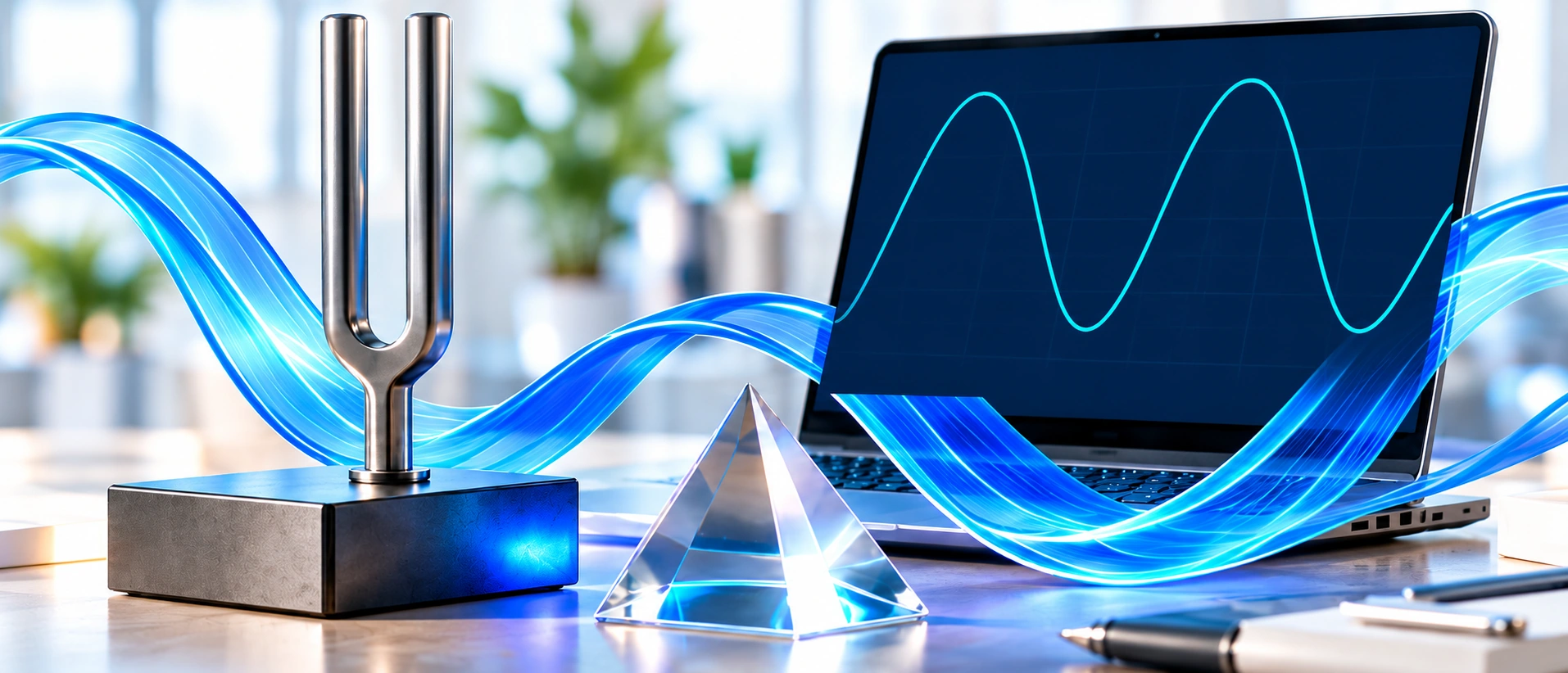
Two waves. One shared clock.
Change the frequency, keep the same propagation speed, and watch.
A · 100 MHz
λ = 2.997924580 m
B · 200 MHz
λ = 1.498962290 m
Snapshot t = 0 ns · same distance scale · normalized amplitude
Doubling frequency halves wavelength when the wave speed stays fixed.
Make the most of your comparison.
One shared speed
A fair comparison holds speed.
State the chosen medium.
One distance scale
Both panels show 0 to 6 m.
Compare peak spacing directly.
Label slowed time
1 screen second = 10 ns.
It is not real-time light motion.
Questions, Answered.
Does the animation run in real time?
No. The comparison is deliberately slowed: one screen second represents 10 nanoseconds of physical time. This changes playback speed, not the wavelengths.
What changes when I change frequency?
At the same wave speed, increasing frequency reduces wavelength. Doubling frequency halves wavelength. Both panels keep the same distance scale.
Can another person edit the comparison?
Yes. The playable link carries both frequencies, units, shared wave speed and selected export size. It opens a fresh editable comparison at t = 0; playback progress is not shared.
FREE PDF GUIDE · PLANNED
Make wave units
feel simple.
- Convert frequency units
- Read wavelength diagrams
- Check five worked examples